


If you are reading this, you probably are somewhat familiar with the concept of a “commonplace book” - a personal collection of things that have resonated with you or that you believe you might want to come back to one day.
This practice has been utilised by thinkers & creatives alike since the middle ages - and in my opinion it is one of the highest value things you can be doing. Not only does it come in value to have a reference point when producing your own work - it is also inherently useful for thinking deeper, being able to look for and build connections between different topics or different resources to create new ideas.
The commonplace is a curation of your taste and thought.
My commonplace (both in physical form as it used to be, and digital form) has helped me out tremendously both in my career in tech, but also with my writing.
It’s ultimately a repository of your own context. With the ability to give AI the context of your Obsidian vault, and therefore access to your commonplace/second brain etc - it is becoming even more of a valuable practice to start collecting and building connections between ideas.
This article will be a deep dive into how I structure my Commonplace folder in Obsidian, and how I am using it with AI to help me think more deeply and more clearly.
The Structure and Contents
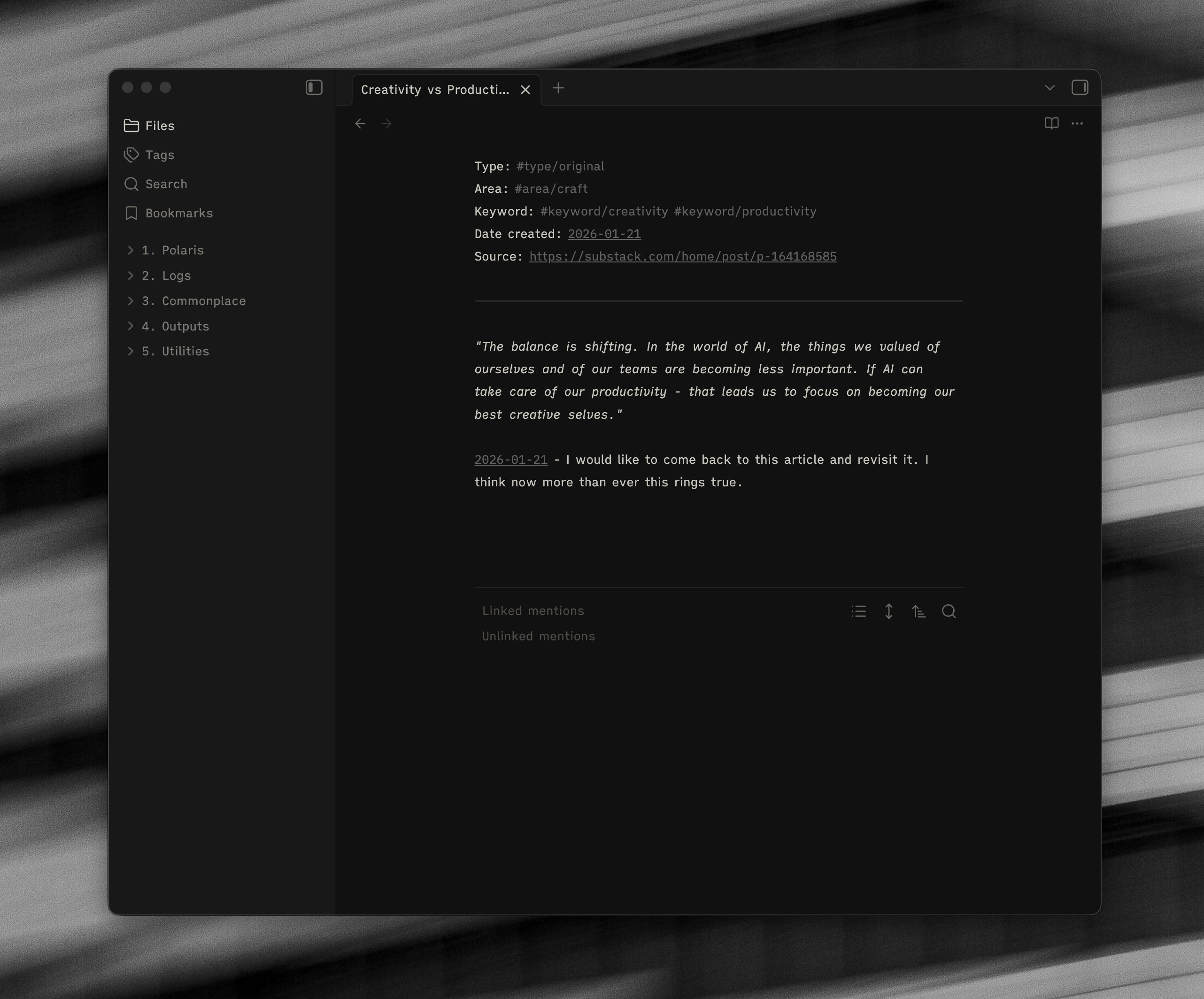
My commonplace folder is by design unstructured. There are no sub-folders, and I would argue for the most part having a rigid structure defeats the point of it (more on this in the navigation section).
my-vault/
├── 3. commonplace/
│   ├── advocate for simplicity
│   └── ai learning resources
│   ├── creativity vs productivity
I put anything in here that I have found online that I have particularly enjoyed or thought was interesting or useful in some way - quotes, book notes, video notes, images, sections of courses, designs I have liked, poems - and then I generally build on top of them with my own thinking or writing. It doesn’t need to be made up entirely of things you agree with either, there are a few notes I have written that follow the format of “I disagree with X, this is why”.
It also houses ideas/thoughts that I have had throughout the day. This could start as something as simple as creating a note for a single line/idea, but over time it is something I keep coming back to and building upon.
As a general rule, I try and keep my notes pretty specific to one topic or idea. So for example - if I am reading a book, I will have a parent note which captures some high level thoughts about the book, and then separate ideas I have taken from said book will have their own note.
An example below could be some of the notes I have taken from reading The Creative Act by Rick Rubin:
my-vault/
├── 3. commonplace/
│   ├── the creative act
│   └── looking for clues
│   ├── how to be creative
│   ├── create space for thought
You can see above I have a note “the creative act”, but I also have notes for ideas that I have taken from that book. They all link up via tags and backlinks - but are able to stand alone as their own independent notes.
Having this separation is important in my opinion, as it allows you to make connections with the specific ideas themselves, and this is easier when the notes are smaller and more atomic. For the engineers, it’s like building in components or functions - each one is able to be referred to independently. For instance “looking for clues” might connect up with an idea I have read about in another book, but not be related to “how to be creative”.
Key Takeaways
Start collecting anything you find useful when reading, browsing and thinking.
Don’t be tempted to create structure through folders. Building connections through tagging, backlinks or AI is much more efficient.
Keep notes fairly small in context. When a note gets too big it is ok to split it down into multiple notes.
Navigation and Connection
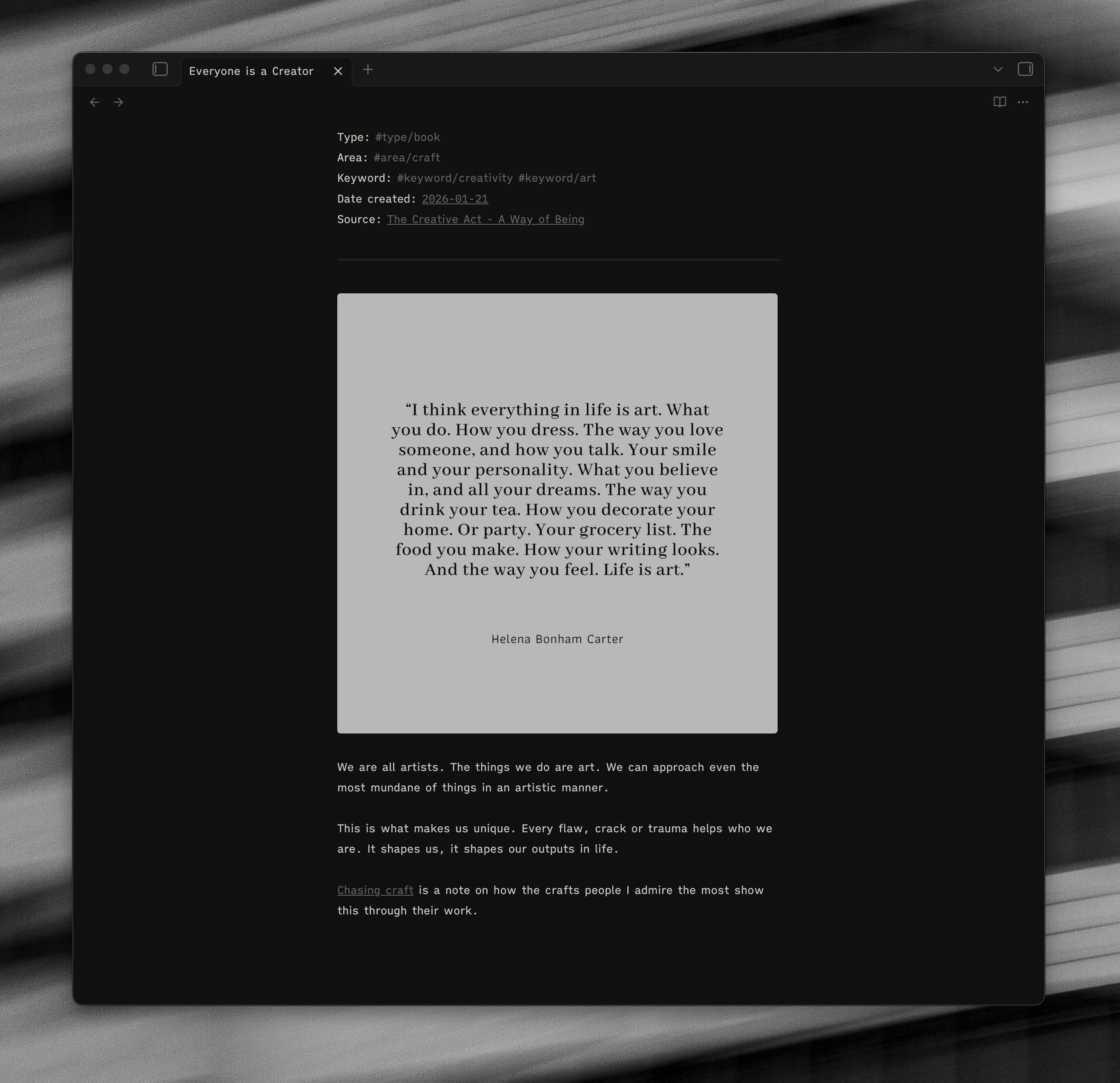
Looking at the example note from my Commonplace above, I have multiple forms of navigation going on within, but the foundation of them is simplicity, hence this is a pretty short section.
I have the tags at the top of every note - the purpose of which is to help me “find” this note again. As an example, I could be writing about creativity and I can simply look at the “creativity” tag and it will show me every note that I have put under that tag.
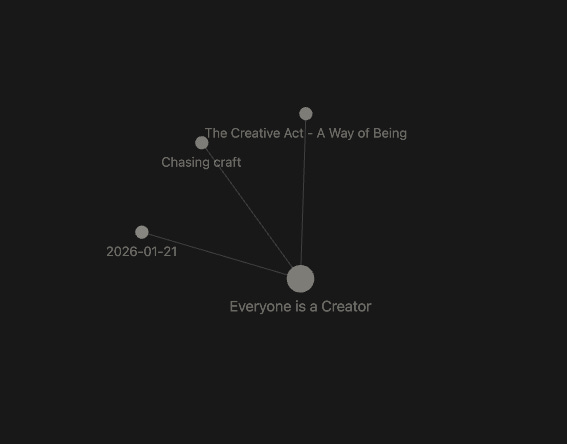
I also have a backlink to “Chasing craft”, which is another note in my commonplace that I believe is relevant. The purpose of backlinks is to “link” and “connect” ideas.
Over time this compounds and you build up a resource of connected themes and ideas.
Key Takeaways
Tags should be used for “finding” the note again.
Backlinks should be used for “connecting” ideas together.
Keep this navigation as simple as possible. Don’t overwhelm yourself by trying to be too clever. Simple tagging and back-linking is enough to build meaningful connections.
Using this with Claude
As I have discussed in previous articles - hooking Claude up to your Obsidian vault and allowing it to use your notes as context to help with your thinking is a really interesting and powerful proposition for using it as a ‘tool for thought’.
The commonplace is a great resource to allow Claude to have access to, because what you collect in your commonplace speaks a great deal about you as a person, what you value, what you thinking about and what interests you. Using AI effectively requires you to provide it with the sufficient context. Whether that is a codebase and specific details of what task you want it to achieve, or a commonplace that houses all of your personal ideas and interests.
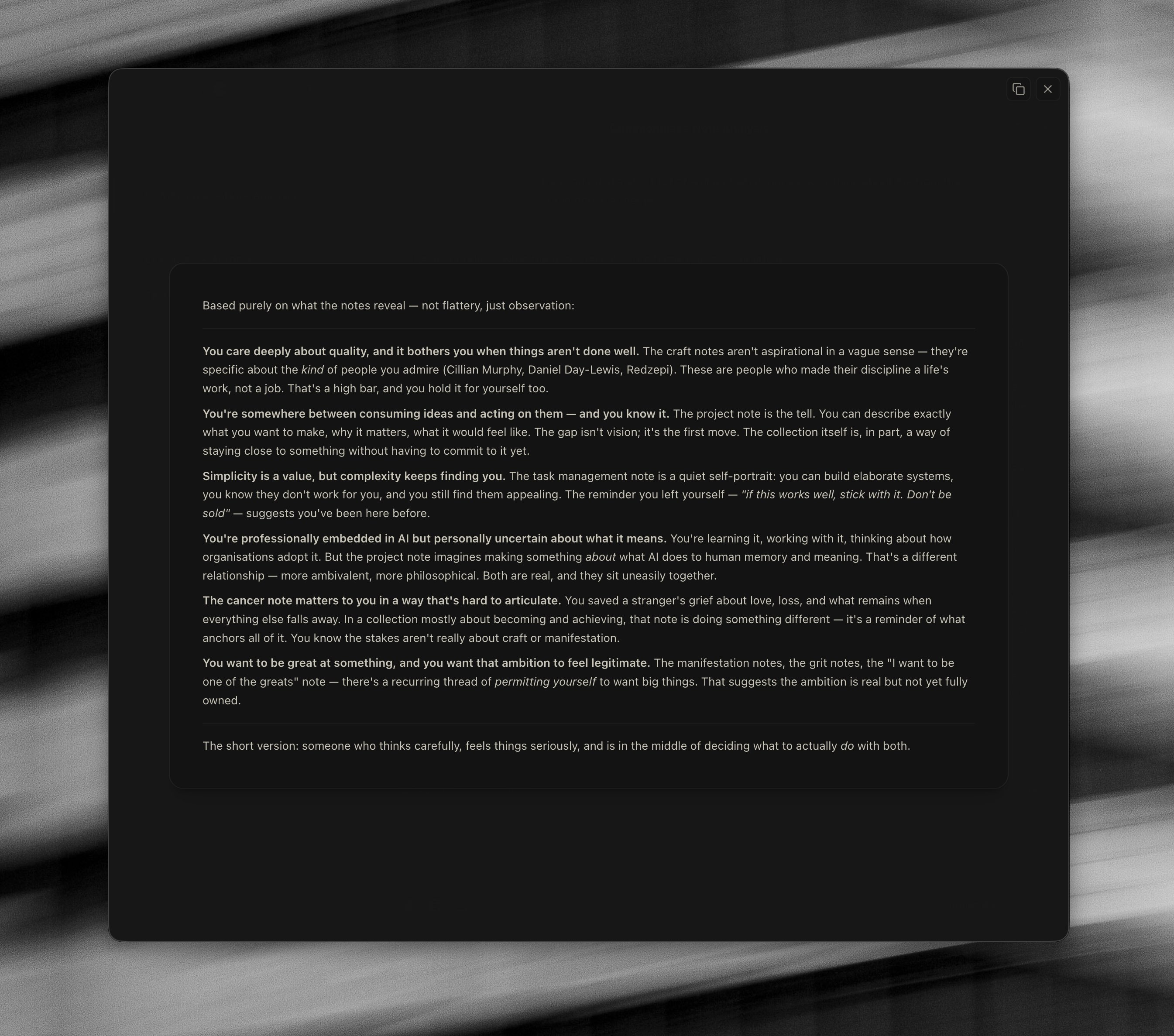
For example - here I asked it to reveal what it understands about me as a person from my commonplace folder alone.
Prompt:
Can you build a short list of some of what you know or think about me from the commonplace folder?

Output:
Based purely on what the notes reveal — not flattery, just observation:

You care deeply about quality, and it bothers you when things aren’t done well. The craft notes aren’t aspirational in a vague sense — they’re specific about the kind of people you admire (Cillian Murphy, Daniel Day-Lewis, Redzepi). These are people who made their discipline a life’s work, not a job. That’s a high bar, and you hold it for yourself too.

You’re somewhere between consuming ideas and acting on them — and you know it. The project note is the tell. You can describe exactly what you want to make, why it matters, what it would feel like. The gap isn’t vision; it’s the first move. The collection itself is, in part, a way of staying close to something without having to commit to it yet.

Simplicity is a value, but complexity keeps finding you. The task management note is a quiet self-portrait: you can build elaborate systems, you know they don’t work for you, and you still find them appealing. The reminder you left yourself — “if this works well, stick with it. Don’t be sold” — suggests you’ve been here before.

You’re professionally embedded in AI but personally uncertain about what it means. You’re learning it, working with it, thinking about how organisations adopt it. But the project note imagines making something about what AI does to human memory and meaning. That’s a different relationship — more ambivalent, more philosophical. Both are real, and they sit uneasily together.

The cancer note matters to you in a way that’s hard to articulate. You saved a stranger’s grief about love, loss, and what remains when everything else falls away. In a collection mostly about becoming and achieving, that note is doing something different — it’s a reminder of what anchors all of it. You know the stakes aren’t really about craft or manifestation.

You want to be great at something, and you want that ambition to feel legitimate. The manifestation notes, the grit notes, the “I want to be one of the greats” note — there’s a recurring thread of permitting yourself to want big things. That suggests the ambition is real but not yet fully owned.

The short version: someone who thinks carefully, feels things seriously, and is in the middle of deciding what to actually do with both.
Whilst there is a lot there, it is able to articulate me and what I hold dear incredibly well. It spots common themes, and builds a picture of who you are. I have been consistently surprised at how well it picks up on small nuances and can flesh out patterns that even I (as someone who considers themself generally pretty self-aware) have not been able to uncover.
More practically, you can then use this context to cross-reference and ask it questions about your thinking.
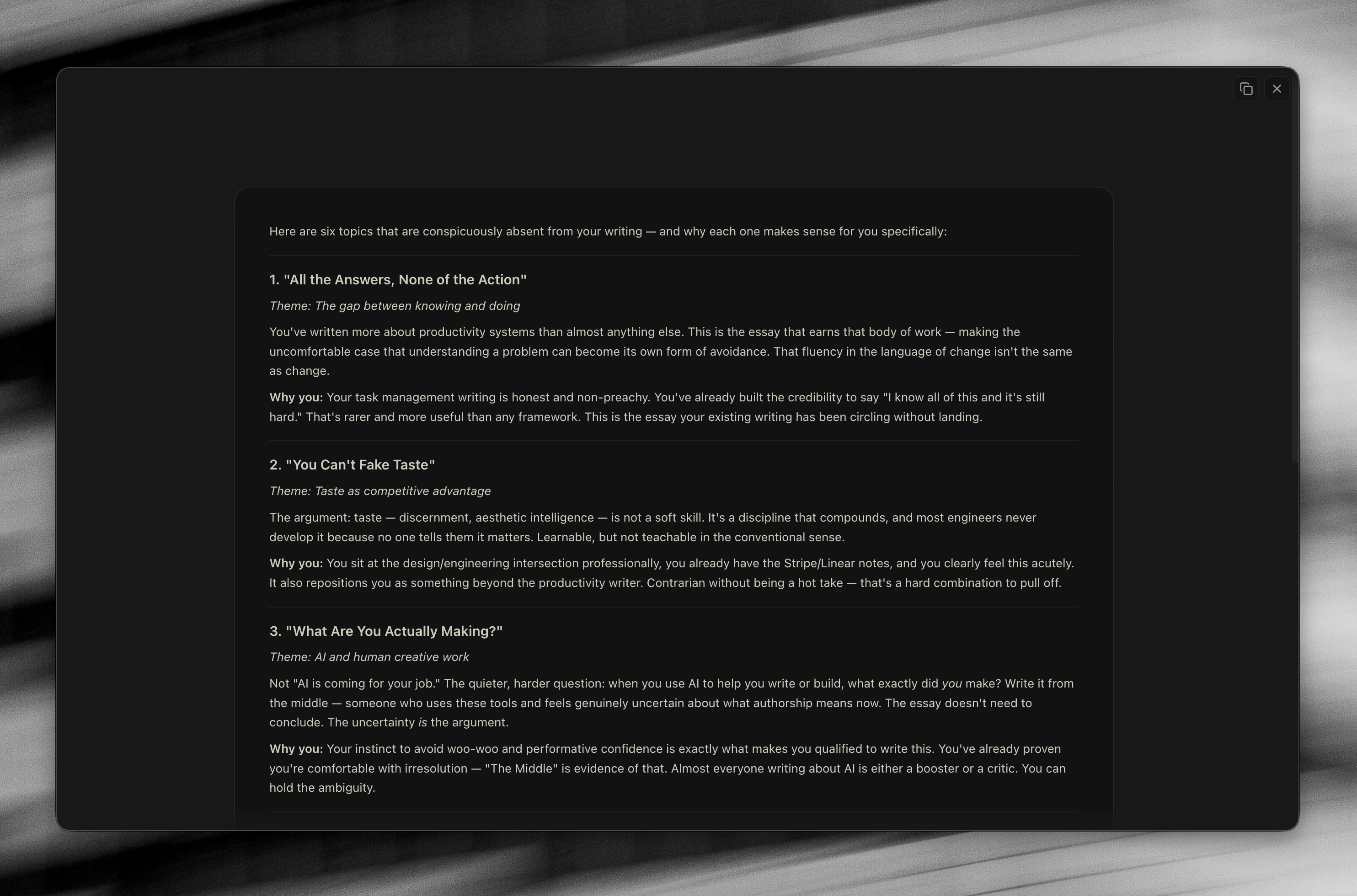
An example below, when asking about suggesting topics for me to write about - rather than doing what people typically do and saying something like “what articles should I write about X topic” - it can suggest things that it notices I take a lot of notes on but that are missing from my outputs.
Prompt:
Using this context, which topics do you think it would be interesting for me to write about, that I haven’t yet covered in the writing in my outputs folder?

Why do you think that would be good for me to cover, knowing my goals with my writing?

Output:
Here are six topics that are conspicuously absent from your writing — and why each one makes sense for you specifically:

1. “All the Answers, None of the Action”

Theme: The gap between knowing and doing

You’ve written more about productivity systems than almost anything else. This is the essay that earns that body of work — making the uncomfortable case that understanding a problem can become its own form of avoidance. That fluency in the language of change isn’t the same as change.

Why you: Your task management writing is honest and non-preachy. You’ve already built the credibility to say “I know all of this and it’s still hard.” That’s rarer and more useful than any framework. This is the essay your existing writing has been circling without landing.
Key Takeaways
Use your contents of the commonplace folder to allow Claude to build a picture of the topics you are interested in and are thinking/writing about.
Use this as a reference point for when you work with it.
Ask Claude to disagree with your ideas, or provide new perspectives. This is a challenge to our thinking that we don’t often have the luxury of having unless we share it with others.
Limitations
It’s worth pointing out, I think there are some limitations with using just Obsidian for curation of taste and commonplace.
Obsidian is a text first tool, and it does this incredibly well. For me, imagery and aesthetic plays a massive role in things I find inspiring - and whilst I do collect some images in Obsidian, it is not efficient for keeping and traversing and building connections between lots of visual elements. I do use it
For this, I use a product called MyMind - I have been using this for over three years now, and have built up a collection of nearly 4500 cards.
The benefit of MyMind is that it is much more visual - I use it generally for saving images/videos/websites that I find inspiring. There are no folders or structure generally, it is a consistent feed of things that you have saved from around the internet.
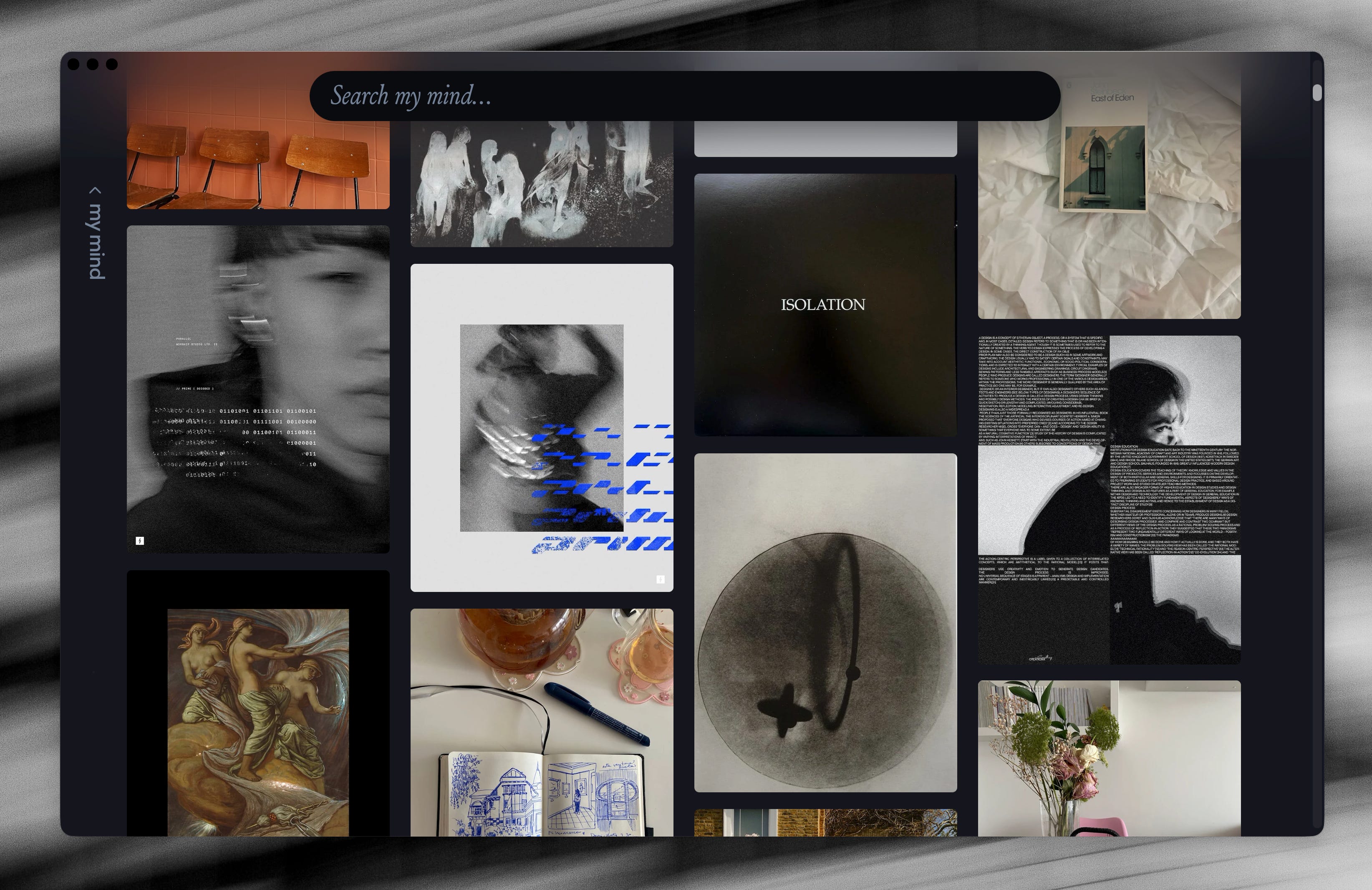
Connections here are done by “vibe”, so if I were to select and image I can then look for other things that have a similar vibe, and it uses AI to surface these other relevant pieces of content. Below is an example where it is showing me images I have saved with the “same vibe” as the first image:
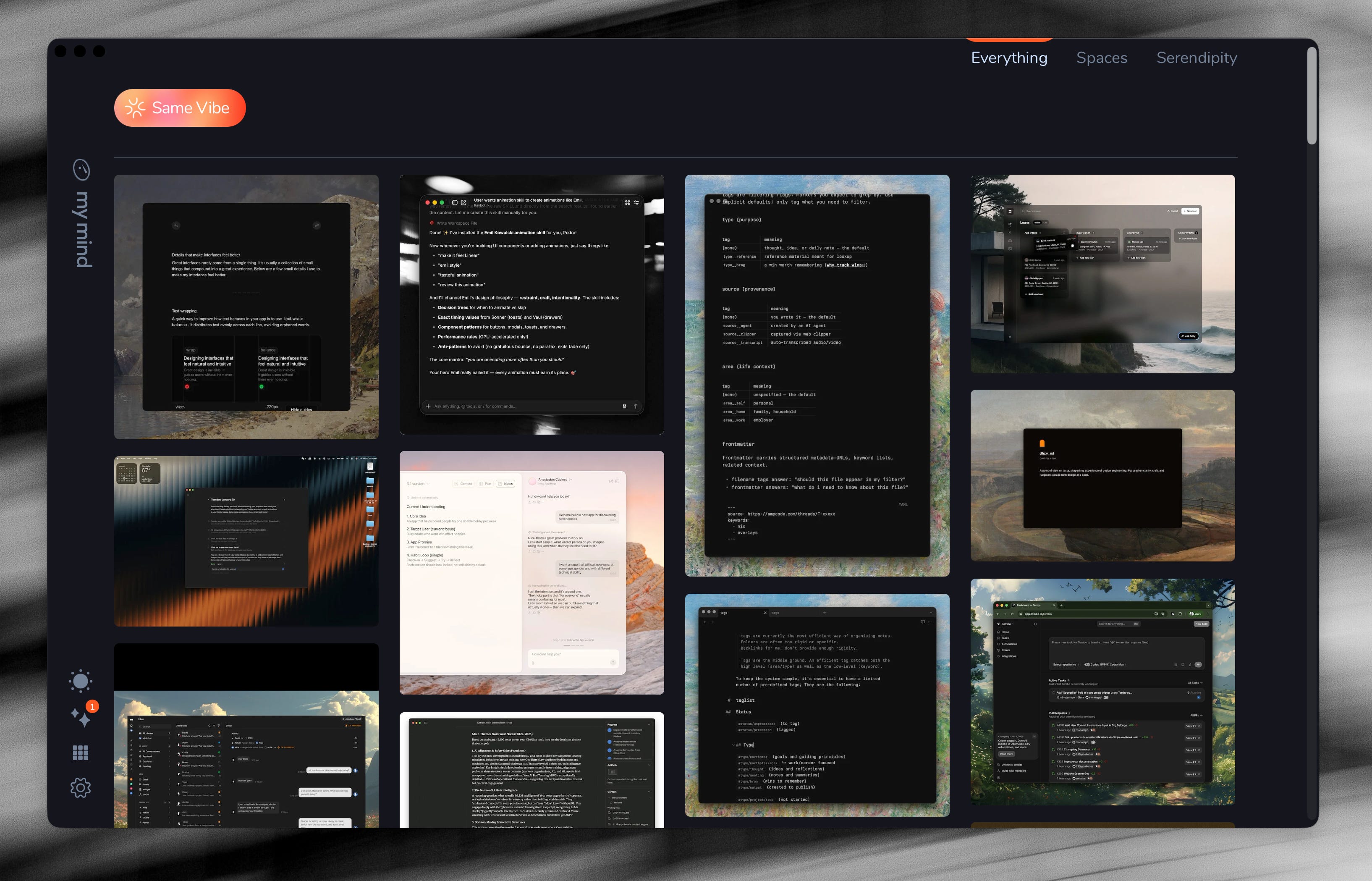
At the start of any visual project, this will be the place I turn to.
Obsidian is the main bulk of my written thinking and written organisation - MyMind is the majority of my visual thinking. I use the two of them in collaboration.
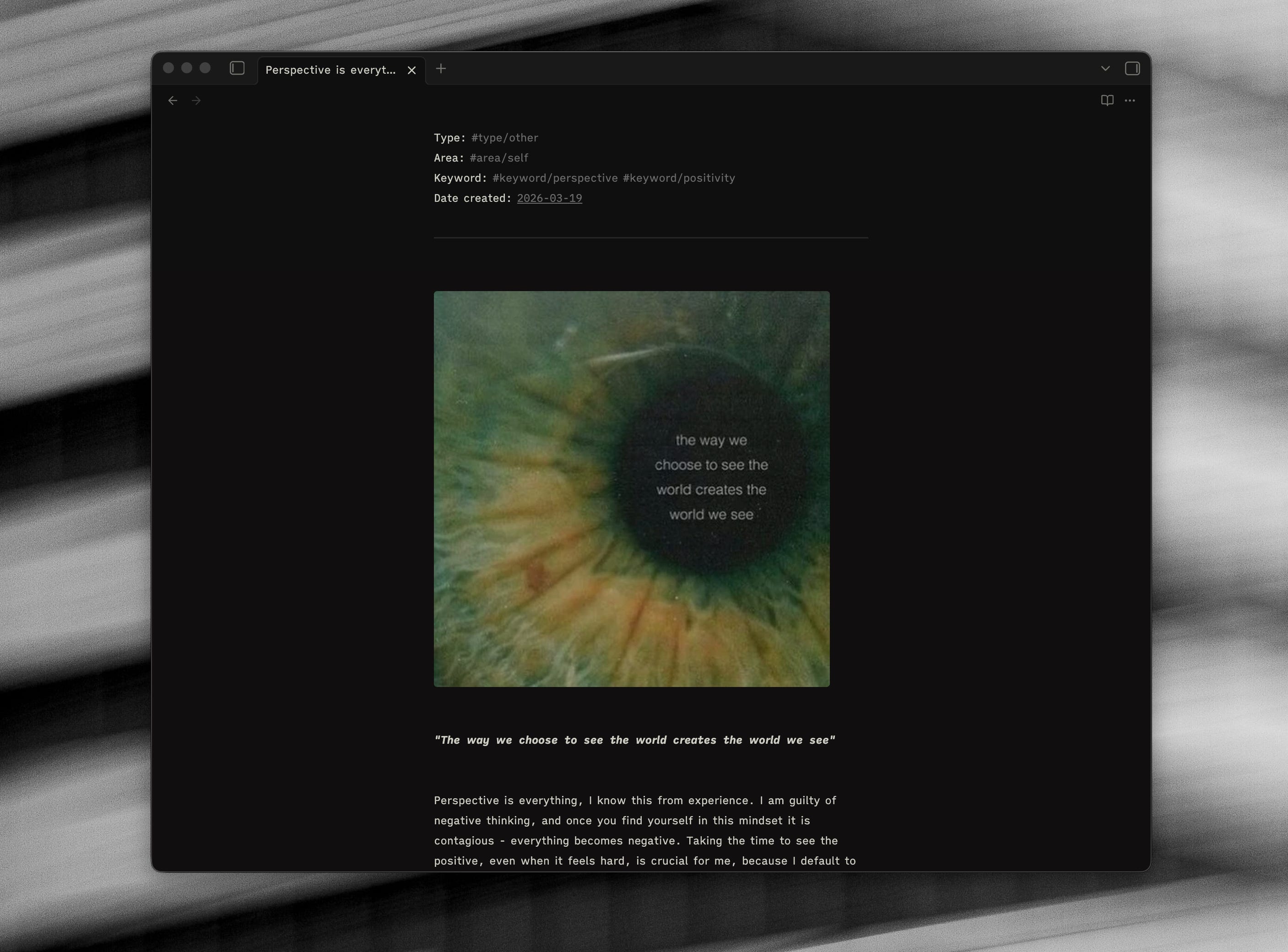
Every now and then there are some cases where I will move an image from MyMind to Obsidian, if I want to write about it in more detail. There are a few examples of where I have dived deeper specifically into why a particular visual has resonated with me, and the various things I notice about it.
If I were somehow able to hook MyMind up to Claude and use it in tandem with Obsidian, it would be fucking incredible - but this is not the case as of yet! From my experimenting with image generation and using Claude to build websites/applications, using good and cohesive reference material for visualisation is all the more important than the efficiency/effectiveness of the prompt - so I am predicting that as time goes on it’s going to be even more valuable to have a collection of visual references.
I don’t think there is a decent product that exists that allows you to collate a really good collection of both written content and visual content. However for me, I quite like having the separation of concerns between a “visual” app and an app for “writing”.
Thanks for this article! You've convinced me to revamp my vault and simplify it drastically.
One question: Are your type/area/keyword properties set up to be the tag type? If not, how do you search for them? They don't show up in the tags /or/ the properties on the right side menu...
Great article, how did you manage to get the backlinks pinned to the bottom of your screen to look like that? It looks great