


I am not a naturally focused person. The following is how I overcame that.
Throughout school and for most of my career, I have struggled continuously with the discipline of being someone that is able to concentrate for any period of time. I would have great intentions of things I wanted to achieve, and then get bogged down in distractions or side quests that had little to no impact on anything meaningful. It felt pretty harmless at the time, but then you look back over your goals from the past six months to a year and realise that you squandered so much.
This lead me to read a lot about HOW to focus. Much of the advice out there is pretty generic and it took me a while to figure out the specifics and techniques of how I can apply this to my day to day.
Focus, I believe, is a skill that can be developed and learned over time but it requires continuous work. We live in a society that is literally designed to keep us “unfocused”, and learning new ways to fight back against it is key.
Being able to get your head down and have interrupted time working on something is one of the highest leverage activities you could be doing with your day. Whether it is just helping you at work, with studies, working on a side project or learning something new (I taught myself to code in the mornings before work in my twenties which lead to a drastic change to my life, and now am dedicating an hour each morning to writing this Substack).
Here are a few of the tools/tactics I use to protect my focus and how you can too.
Time Blocking
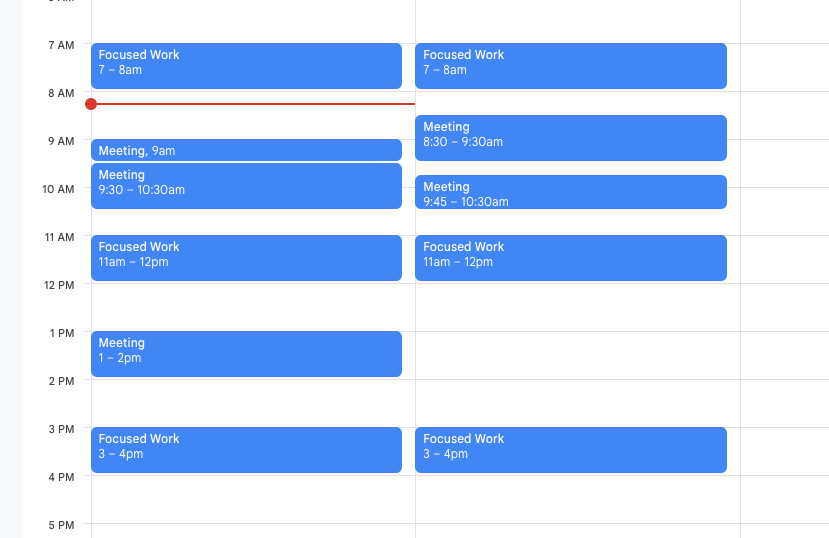
Be really intentional about blocking out time that you are going to dedicate to focus. Put it in your calendar and hold yourself to it!
I like to book no more than an hour at a time. Always I will have dedicated focus time first thing in the morning at the same time, and then throughout the day it depends very much on the schedule of work or what else is going on. I make it very clear what I am going to spend this time working on also prior to it beginning.
I have found that 3/4 hour long blocks is typically enough for me to get everything I need to get done of a day. Sometimes that leaves empty space, and that is ok! Sometimes it is good to be less intentional with the work you are doing and dive down a few rabbit holes every now and then!
People are generally pretty abiding by focus time also, so I encourage putting this in your work calendar and it prevents last minute meetings from popping up and spoiling your dedicated work time.
Set Yourself Goals
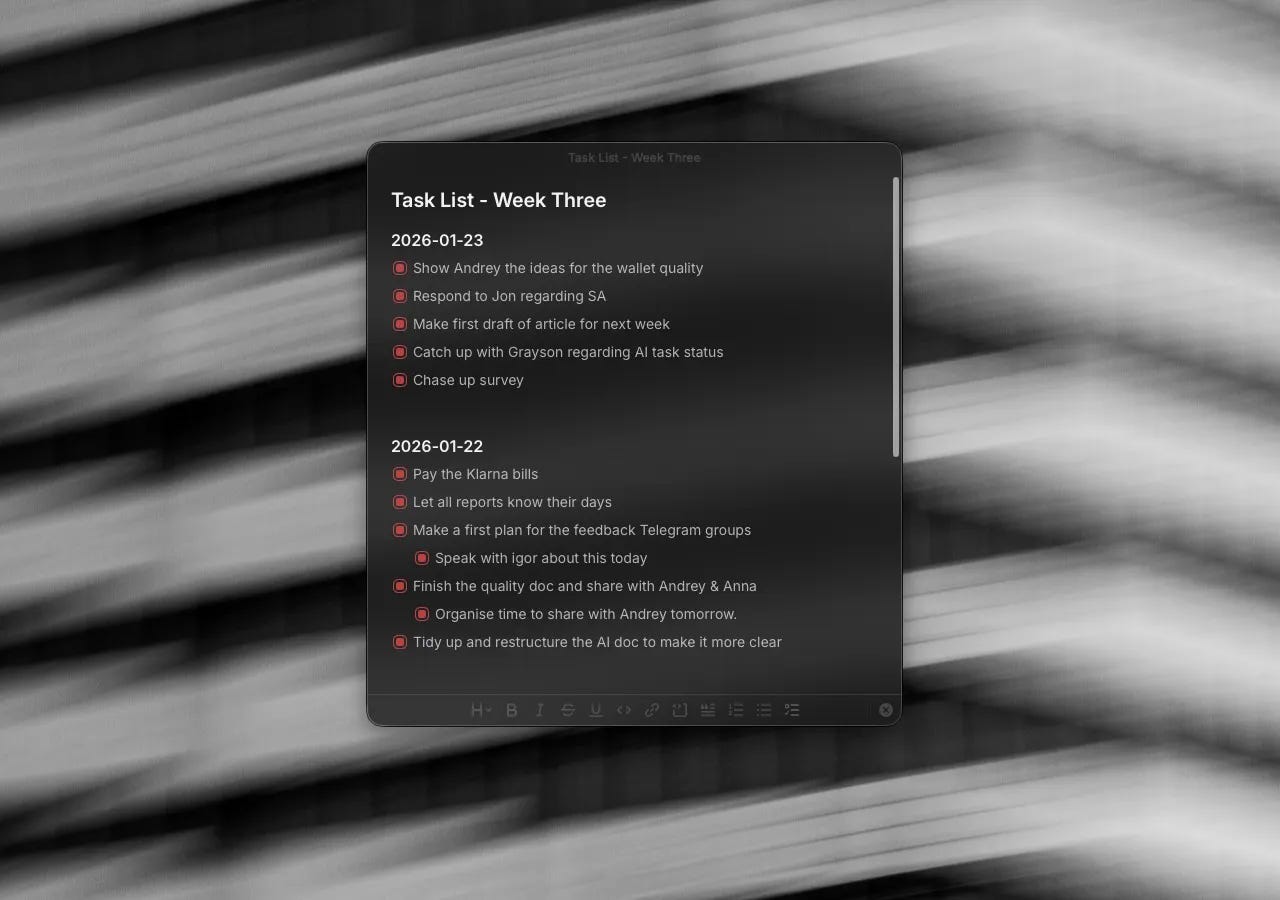
I wrote much more depth about How to Get Things Done, and this is extremely relevant for being focused.
If you go into a dedicated hour focus session, with no idea of what needs to be focused on, then you are going to be wasting your time. This is how you become distracted.
Each session should have something that you can say that you have done by the end of it. Maybe it’s finishing an article. Maybe it’s working on a particular bug/feature that has been bothering you at work. Maybe you want to dedicate an hour to revising or researching a topic.
I start each day with a small list of things that need to get done and I try and get as much as them done as possible early on. For example, today, I am writing this in the middle of my morning focus session and my goal is simply to finish this article. I have a few pieces of life admin to complete later in the day which I am going to dedicate an hour to, and it is really clear by the end of the session whether they are finished or not!
This intentionality is really important, and I have found that if I am not concrete about exactly what needs to be done then this is exactly the time in which I get distracted.
Having high level goals or something that you are aiming towards long term is also super impactful because you need to understand what you are focusing for. All of the discomfort you feel from making the choice to spend an hour writing, over watching Youtube videos or playing video games is easier when you have the vision of where it will lead.
Eliminate Distractions
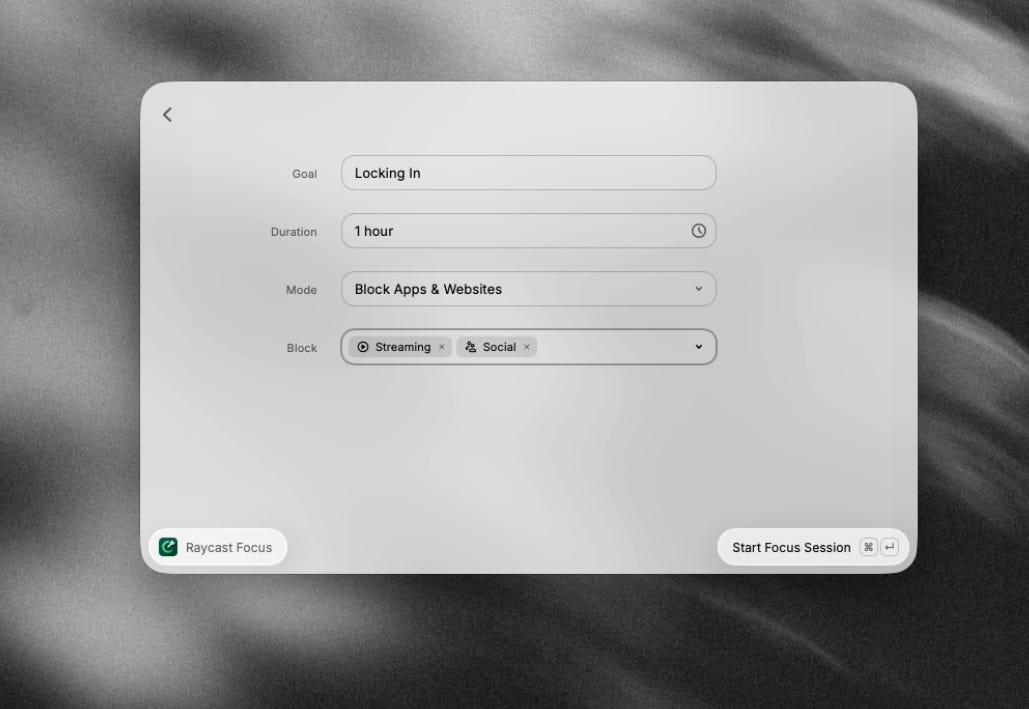
Raycast Focus is a feature I have been loving and using regularly. It is essentially a pomodoro timer, that also allows you to block websites during your focus sessions.
For me, a big cause of distraction is looking something up online and then slipping into a loop of browsing content. For instance, I might go on substack to look up the URL of a previous article to share in this piece of writing, and ten minutes later I find myself reading articles.
There are lots of apps that do similar, but I use Raycast for other things so makes perfect sense to utilise this tool! It is simple and it works incredibly well. It’s also very quick to start a session, and that in itself limits the amount of opportunities you are faced with to get distracted.
Capturing for Later
I love consuming long-form content. Articles, podcasts, videos. This is something I enjoy and generally it is often useful for both the work I want to be doing on my own personal projects as well as my day job.
However, this is a dangerous trap for me because once I start I can’t stop and I can lose a lot of time reading and watching things. The amount of times I have sat down with a coffee, opened up an article for a quick read and then lost an hour is scary.
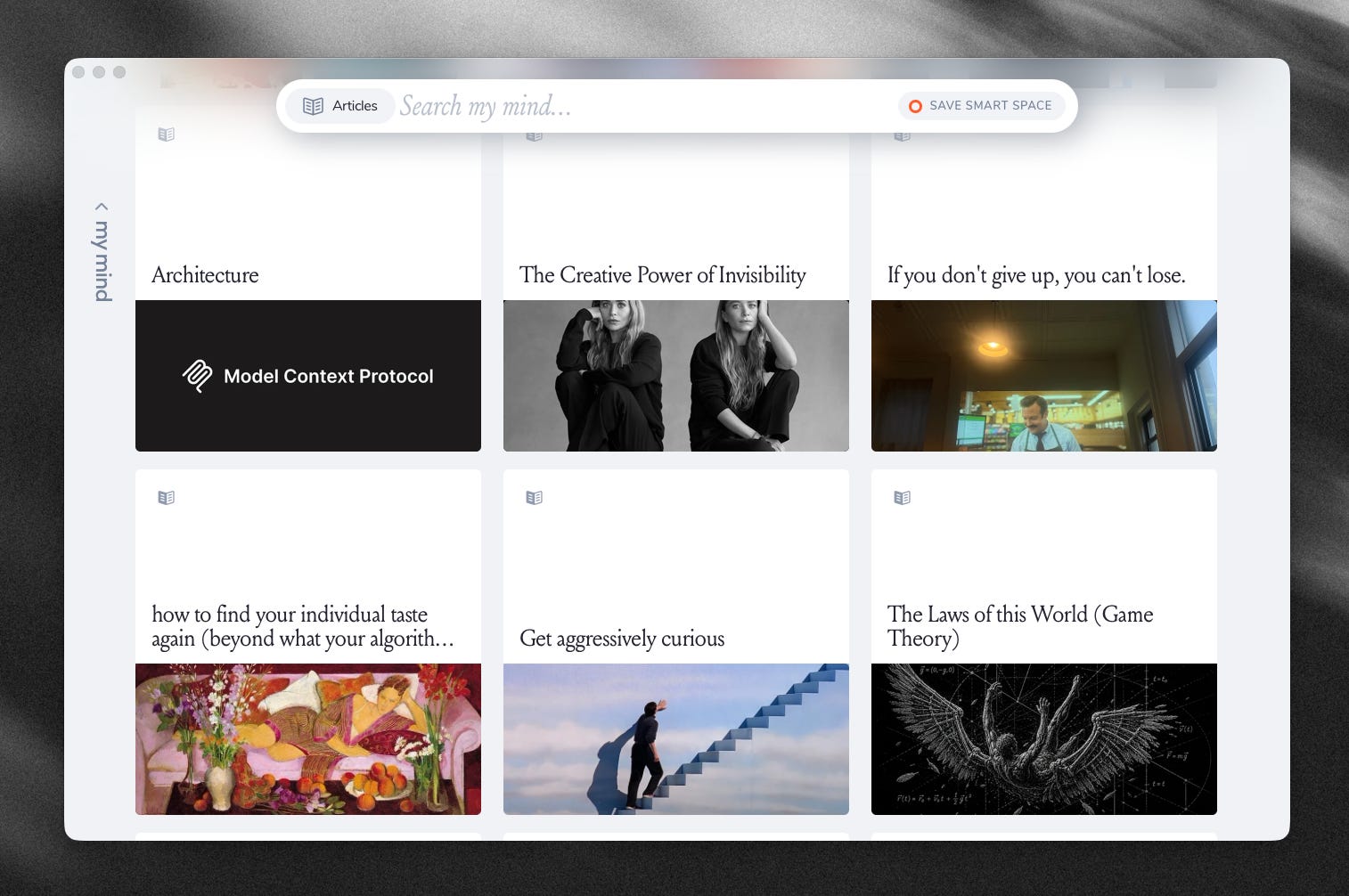
For me, it helps protect my focus by collecting the things that I come across throughout the day - maybe a new Substack article has arrived in my email, or someone shared an interesting article on the work Slack. I will drop everything into MyMind, and then schedule some time to catch up with what I have missed and do all of my reading/watching at a particular time.
Reading two articles, taking the time to digest them, writing notes about them and doing your own thinking is in my humble opinion time much better spent than reading ten articles when you are in a doom-scroll haze.
Be Intentional with your Tools
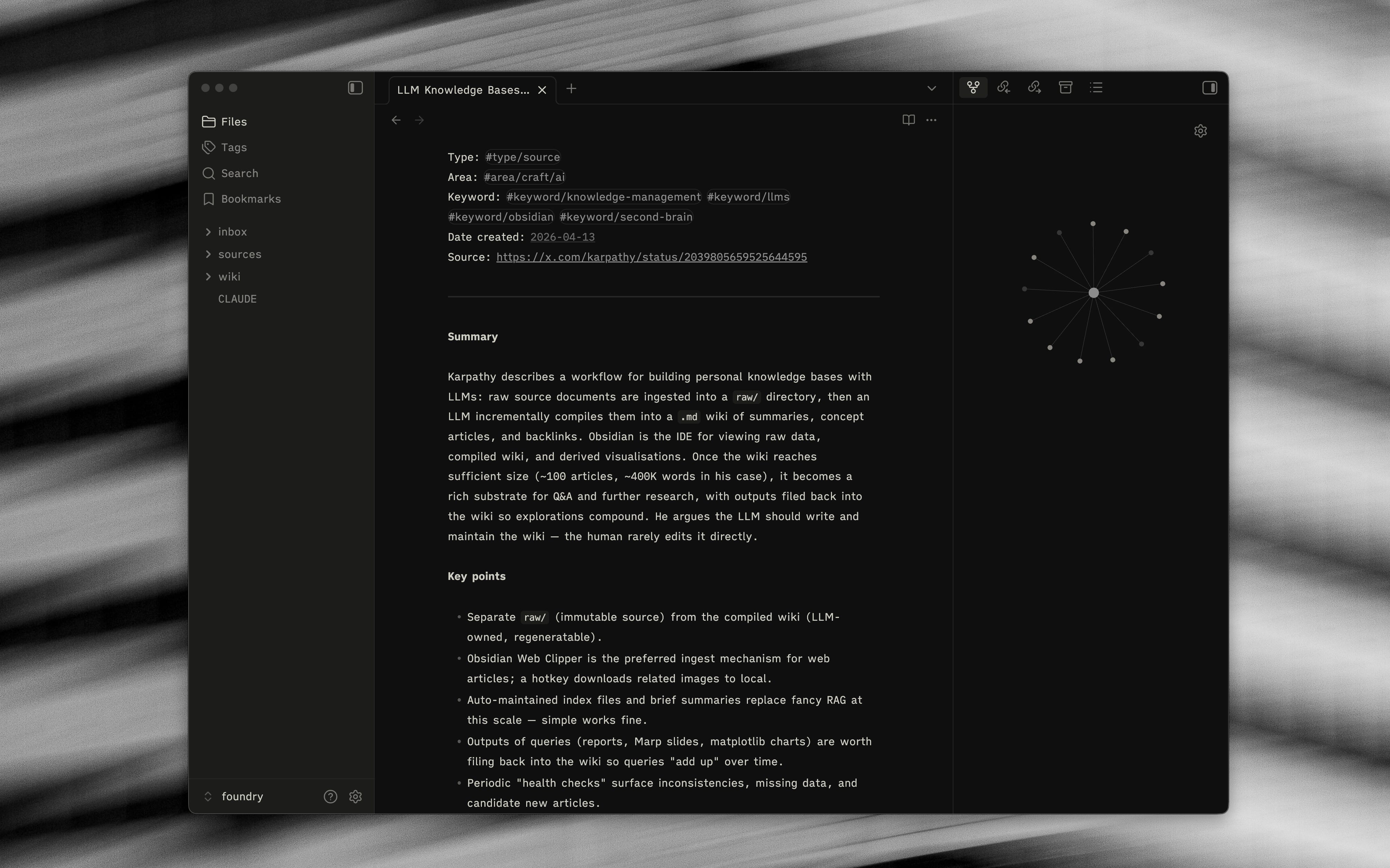
This is a crucial step that is often overlooked in my opinion, but choosing tools that are designed with focus in mind is a big edge.
Some examples:
I mentioned MyMind in the last section, and one question that comes up a lot is MyMind vs Cosmos. Both are ways of saving content you have found online, but I use MyMind over Cosmos mainly for the fact that there are no social elements to it. This for me is intentional, because I know that feed scrolling is a risk that I want to avoid. This in part helps me to be more productive.
Obsidian is another great example. It is a super simple interface, when I work in Obsidian it is literally just a black screen with writing. Compared with tools like Notion or Craft, it feels akin to writing on paper. There are no extra elements to grab my attention or no things I can tweak with or no logic that could go wrong with a particular database view. It is barebones, and I love it for that.